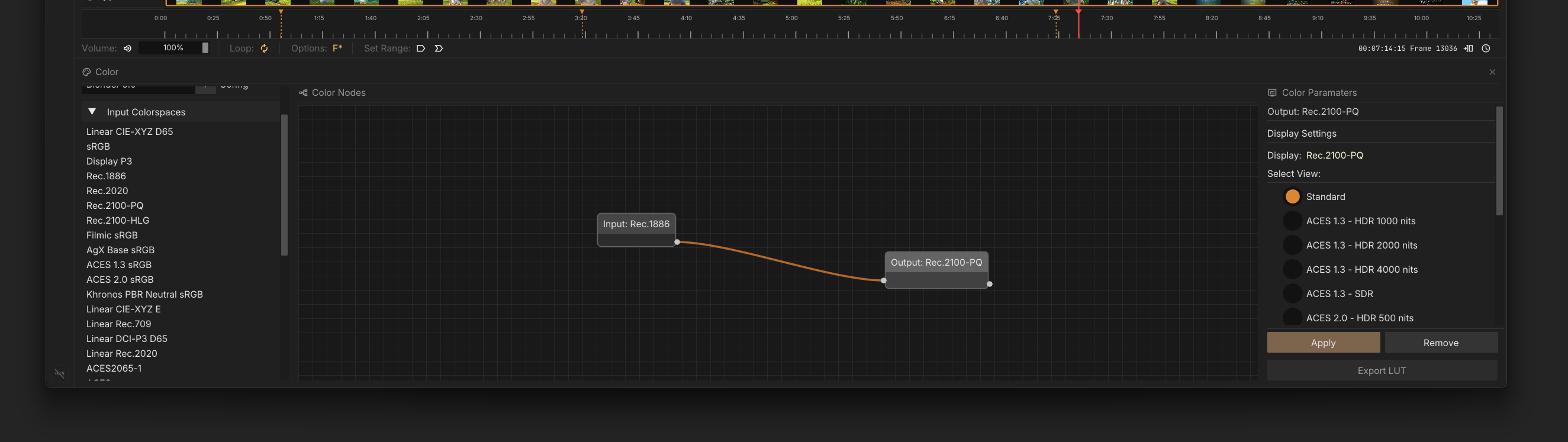
SDR vs HDR
Philosophically, u.m.p. differs from most media players in that it absolutely refuses to tonemap media for you. Everything else out there makes some assumption or another about color space that is partially wrong, or at a minimum, inconvenient for a professional review process.
This ethos means video output will be in Windows working color space when initially presented on screen. Since Windows assumes sRGB for SDR desktop color, SDR videos display correctly as is. Since Windows assumes Rec.2100PQ for HDR, HDR videos (like PQ HVEC) will display correctly when Windows is in HDR mode, but SDR won’t. You will need to use OCIO to convert.
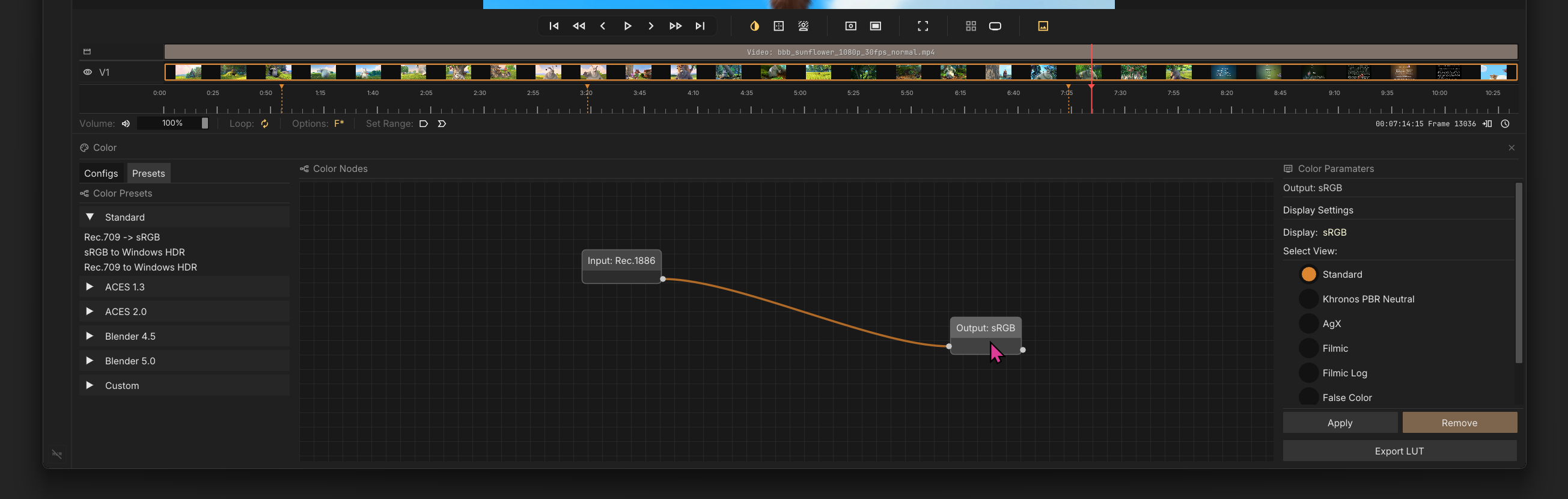
The Color Panels (OCIO)
How to correctly display media in Windows SDR/HDR modes:
SDR Mode
SDR works the way you would expect: You generally want an sRGB output node, but if you’re going to review what it will look like as ~rec.709/Gamma 2.4 (let’s face it, most people will see it this way because of the sorry state of video colorspace on computers today), any Rec.1886 option will work.
HDR Mode

If you toggle HDR mode in Windows, you can then present video in Rec.2100 PQ. If you need to view an SDR video in HDR mode, you will need to transform it to this space with the appropriate Display node.