Settings
The Cache Panel
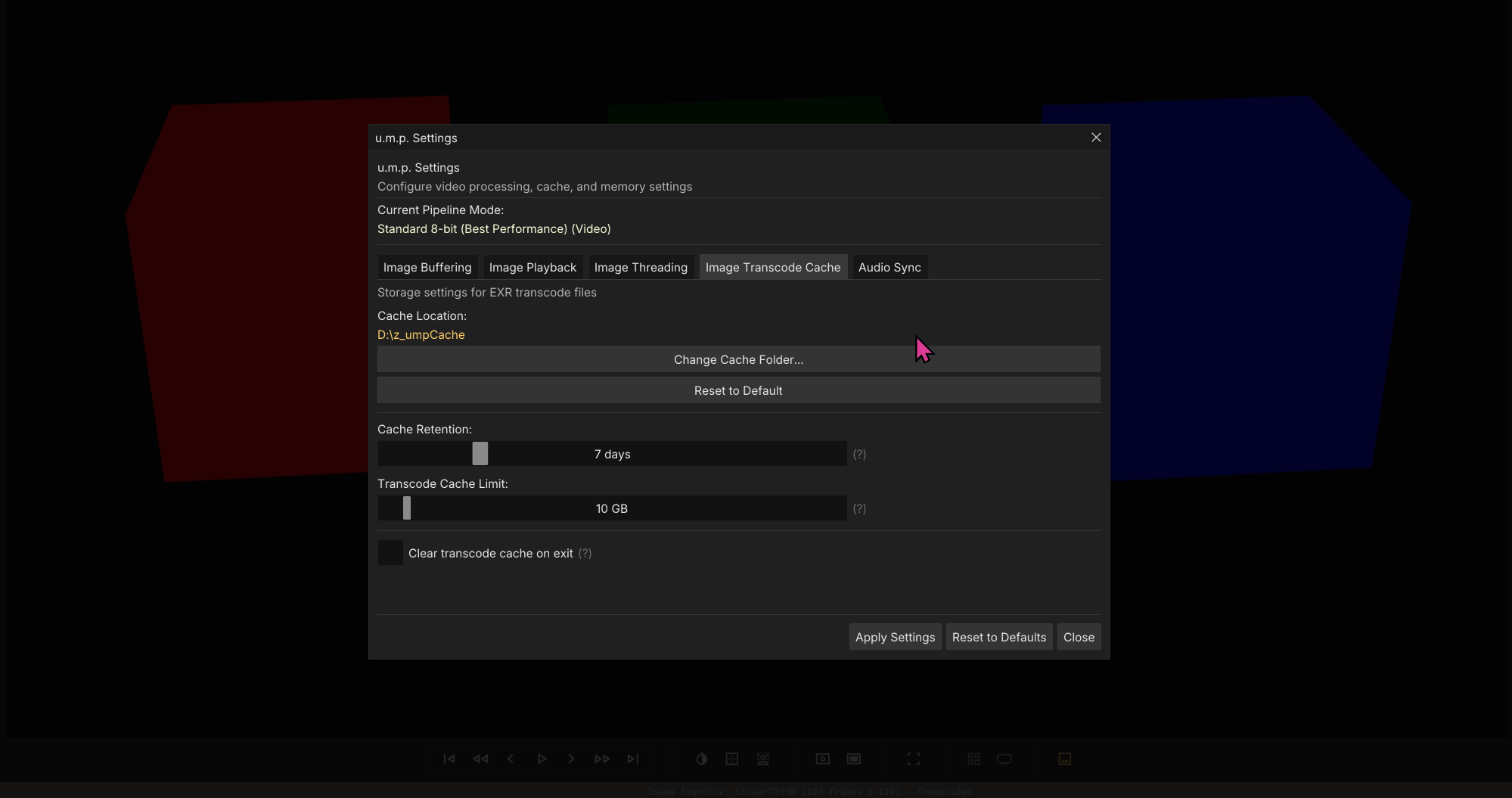
In u.m.p.’s PSettings panel, we have various settings that can help boost performance on your system. Each cache system has their own settings tab.
Image Sequences Cache
There is one settings you should immediately take a look at after installing the app:
- Under the
Image Sequencetab, change your cache folder to a fast NVME disk with lots of space. If you plan on using the image-sequence transcoding options, this is where those transcodes will be stored. Some eviction settings will help manage how much data accumulates.
Font Settings
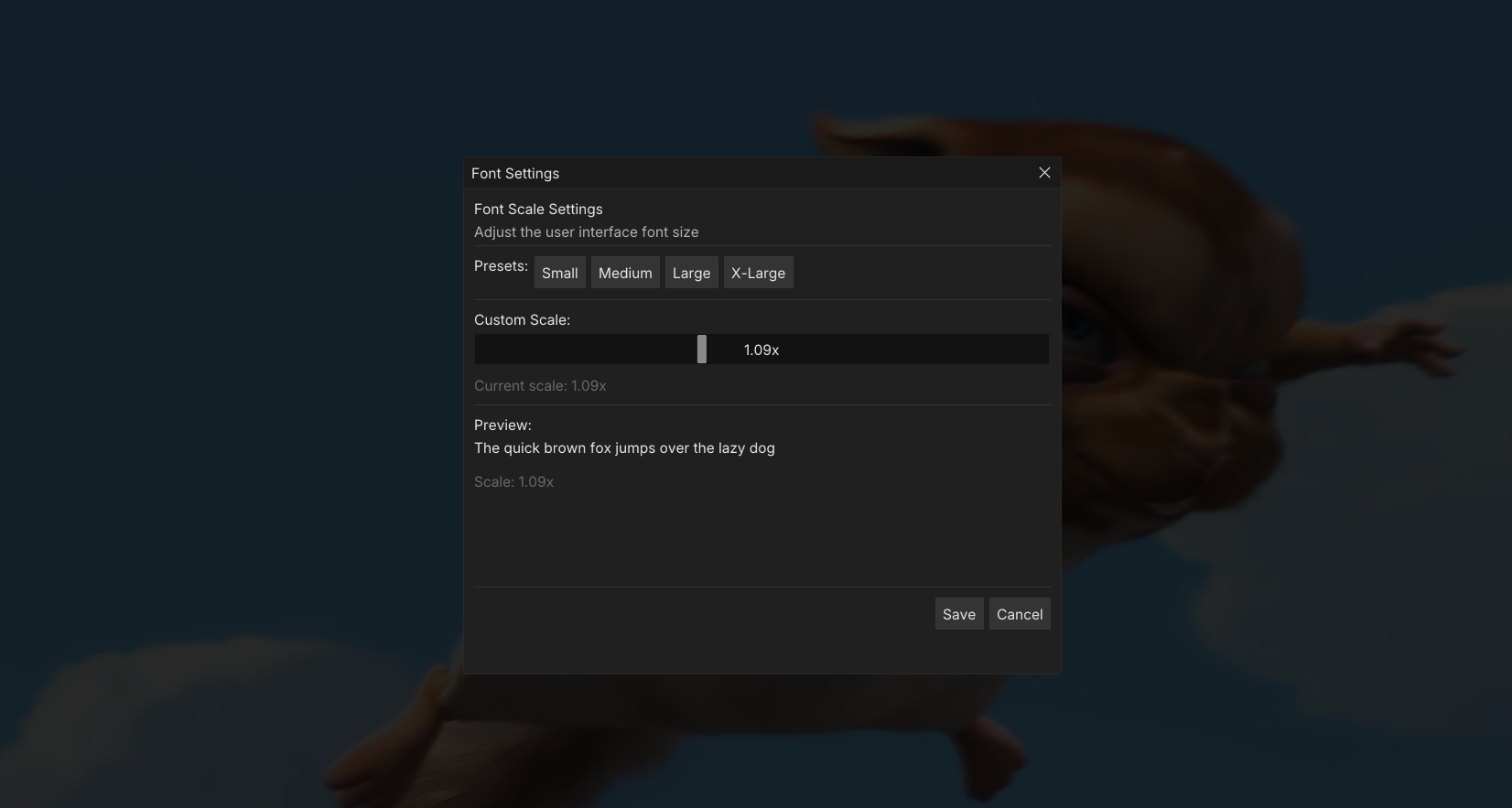
Drag the slider to adjust the font size scaling. This setting is persistent and will be remembered the next time you use the app.
Note:
1.09xis the setting I use personally for125%scaling in Windows.